TV remote help
Which button turns it on again?
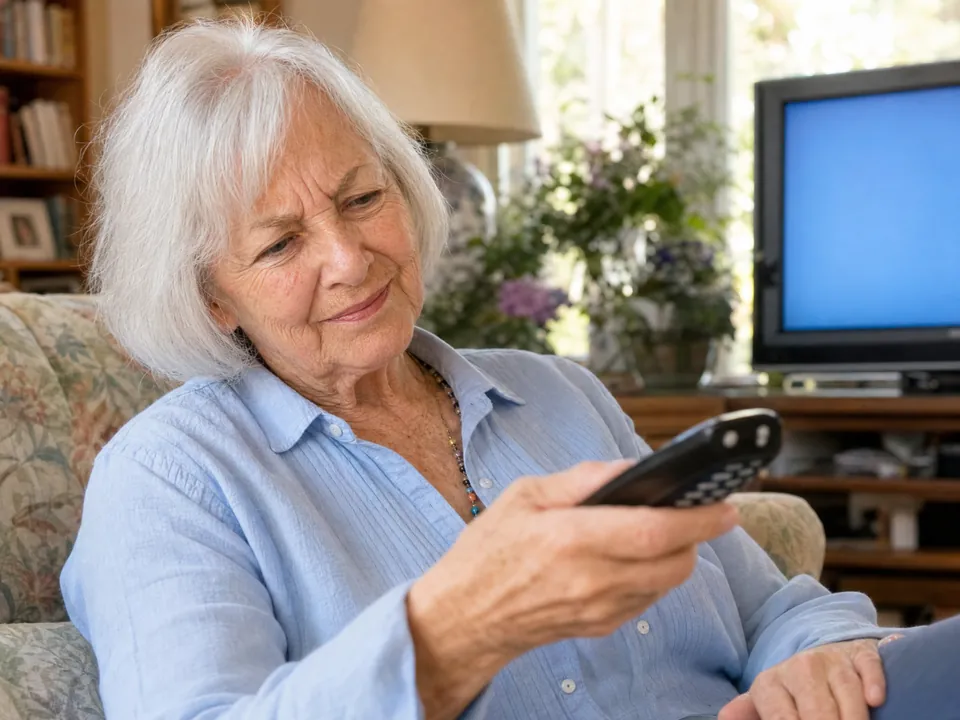
So many buttons on a TV remote. Your parent takes a picture of the remote, asks what they need, and hears the answer. No memorizing. No "I'll fix it next time I visit."


We’re welcoming families a few at a time, so there may be a short wait after you sign up.
What it does
Any remote. Any question. Plain answer.
Mimi Care reads the buttons on the remote in the picture, whatever the brand.
TV remotes.
Cable, satellite, streaming boxes and TVs: they take a picture of the remote and ask which button turns on the TV, changes the input or turns up the volume.
Streaming questions.
"How do I get back to the home screen?" "How do I find my show?" Mimi Care explains what the buttons do.
Common confusions.
"Why is there no sound?" "Why is the picture tiny?" They can take a picture of the remote and another of the TV screen, and Mimi Care looks at both.
How it works
Three steps.
One hand holds the remote. The other holds the phone.
- 1
Take a picture of the remote.
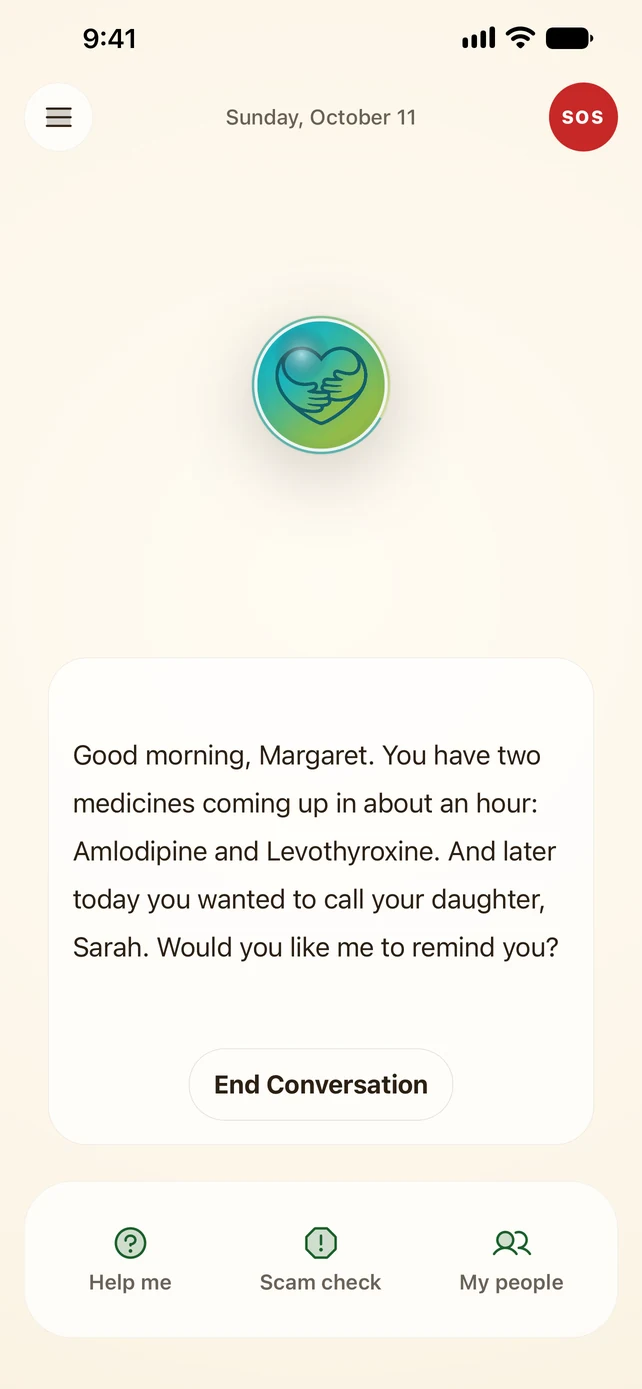
In Mimi Care, they tap Help me, then Technology, and take a picture.
- 2
Ask the question.
"Which button turns up the volume?" "How do I pause?" They can say it out loud, tap a suggested question or type it.
- 3
Hear the answer.
Clear and patient. If it's still not clear, they ask a follow-up.
Why it matters
Remotes have a lot of buttons. Most people use a few.
Modern remotes are crowded, and many buttons look alike. When the remote is a daily frustration, a small question turns into a call to family.
Mimi Care doesn't replace the remote. The answer is about the remote your parent already owns: "which button does this?", without anyone having to read small print or call you.
Because the answer is spoken, they can listen while they look at the remote. That part matters more than it sounds.
Common questions.
Does it work on every remote brand?
Mimi Care doesn't keep a list of remotes. Mimi Care looks at the buttons in their picture and explains what they're labeled to do, whatever the brand.
Can they use it while the TV is on?
Yes. Mimi Care only looks at the picture of the remote. No setup, no pairing.
What if the TV itself has a problem, like no signal or the wrong input?
Same flow. They take a picture of the TV screen too, and Mimi Care explains what the screen shows and which everyday button, like Input, might help. For anything that could change something for good, like a reset, Mimi Care suggests doing it with family.
Can I add notes about our TV setup?
Not for this. Notes you add for Mimi Care aren't used when Mimi Care explains a photo: each answer comes from the picture they take and the question they ask.
Is this just for TVs?
TV remotes are the most common ask. The same help works for a thermostat, a microwave or another appliance with buttons.
Help them stay independent.
Set it up today, on your phone or right here.
Create your accountWe’re welcoming families a few at a time, so there may be a short wait after you sign up.