Scam text detector
Is this text a scam?
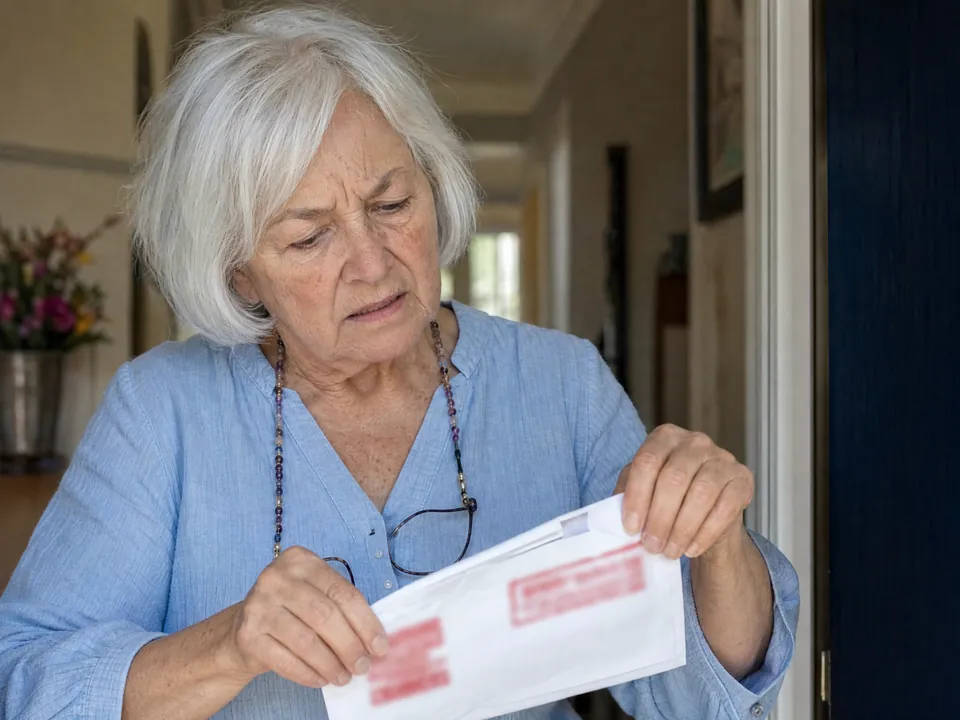
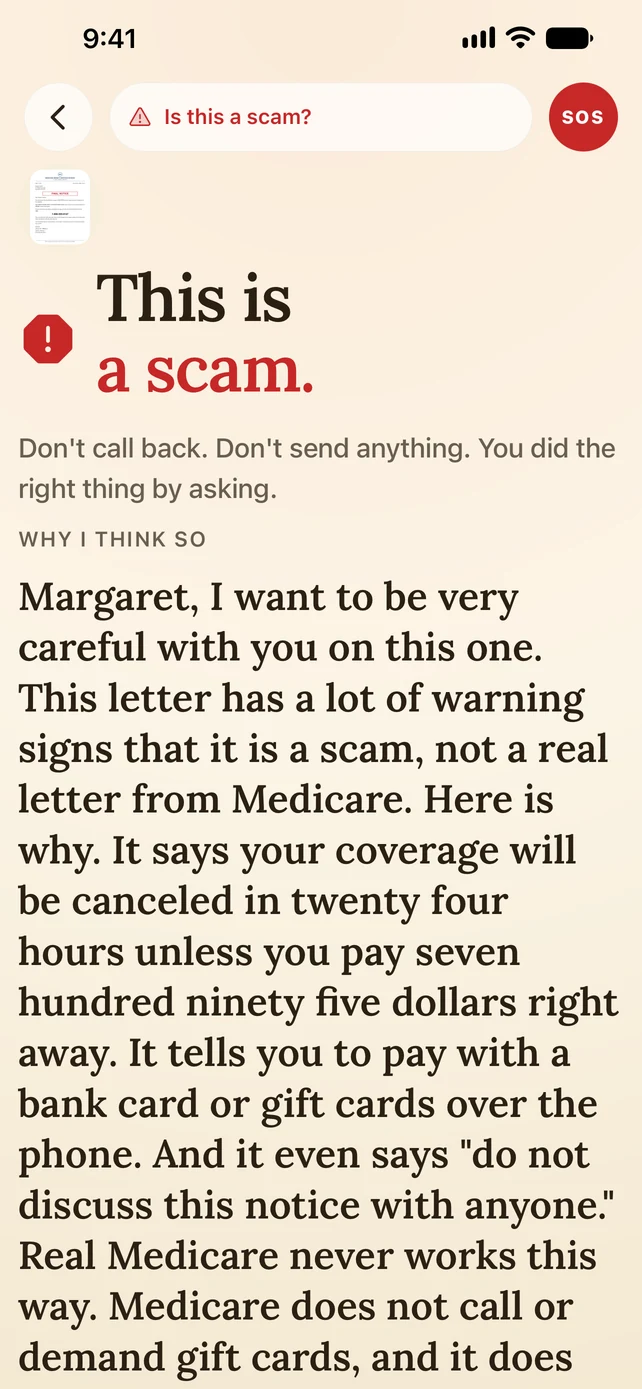
Fake package delivery, fake bank fraud alerts, IRS threats, "your grandson's in jail." They screenshot a suspicious text, and Mimi Care reads it out loud and points out the phishing signs before anyone taps the link.


We’re welcoming families a few at a time, so there may be a short wait after you sign up.
What it catches
The texts older adults get the most.
Most scam texts follow a pattern. Mimi Care points out the signs a careful reader would catch, out loud.
Fake delivery alerts.
"Your package is on hold. Confirm your address." Mimi Care points out texts pretending to be USPS, FedEx, UPS or Amazon, especially when the link goes to an unfamiliar website.
Fake bank fraud alerts.
"Someone used your debit card. Call this number." The number is the scam. Mimi Care points out the urgency and the unfamiliar phone number before anyone dials.
Grandparent-scam texts.
"Grandma, I'm in trouble. Don't tell Mom." Mimi Care recognizes the pressure and suggests slowing down and checking with family.
How it works
Three steps.
Built for the person holding the phone, not the person fixing it later.
- 1
Screenshot the text.
On an iPhone, press the side button and volume up at the same time (on an older iPhone with a round Home button, the side or top button and Home). On an Android phone, press the power button and volume down at the same time.
- 2
Hand it to Mimi Care.
In Mimi Care, they tap Scam check, choose "Use a photo I have" and pick the screenshot from their photos.
- 3
Hear it explained, and ask back.
A warm voice reads the text and points out anything that matches a scam. "Is this really FedEx?" Mimi Care answers honestly and suggests checking with someone they trust before tapping anything.
Why it matters
Text scams are growing.
People reported losing $330 million to text scams in 2022, according to the FTC's June 2023 Data Spotlight on text scams, and the FTC notes most frauds are never reported. Scam texts work because they sound official and urgent, and a link looks the same whoever sent it.
Mimi Care isn't a spam filter and doesn't screen their messages. Apple and Google offer filters you can turn on in the phone's settings. Mimi Care is the second opinion when a text gets through: the moment before a link gets tapped or a number gets called.
And like with every help, Mimi Care doesn't say "don't click," but describes what the text looks like, names the parts that match known scams, and suggests checking with someone they trust. The person holding the phone stays in charge.
Common questions.
Does Mimi Care read all their texts, or do they have to screenshot them?
They screenshot them. Mimi Care can't see their texts: Mimi Care only sees a text when they take a screenshot of it and choose that screenshot in Mimi Care.
What about the iPhone's own Messages filter? Isn't that enough?
Apple's filter catches obvious spam. Mimi Care helps with the ones that get past it, where the sender is a real phone number, the message looks personal, and the scam is emotional or urgent. The two work well together.
What about scam phone calls and voicemails?
Mimi Care doesn't screen calls or voicemails. If a call worried them, they can tap Scam check, choose "No paper — I just have a question" and describe it out loud.
Does the screenshot get saved anywhere?
The screenshot is sent over an encrypted connection and stored encrypted. Mimi Care's AI provider, Anthropic, reads it to answer. We don't use it to train AI, and Anthropic's terms don't allow it to either. A copy of each help is kept so they can look back at it, and it's deleted after 180 days unless they choose to keep it.
Will family see the scam texts they screenshot?
Only if they share "What I get help with." Helps are private by default. Scam warnings are shared unless they turn that off, so family may be told that Mimi Care spotted something, without the text or the details. They choose what they share, and can change it in Settings, under Privacy.
Help them stay independent.
Set it up today, on your phone or right here.
Create your accountWe’re welcoming families a few at a time, so there may be a short wait after you sign up.