Bills, read aloud
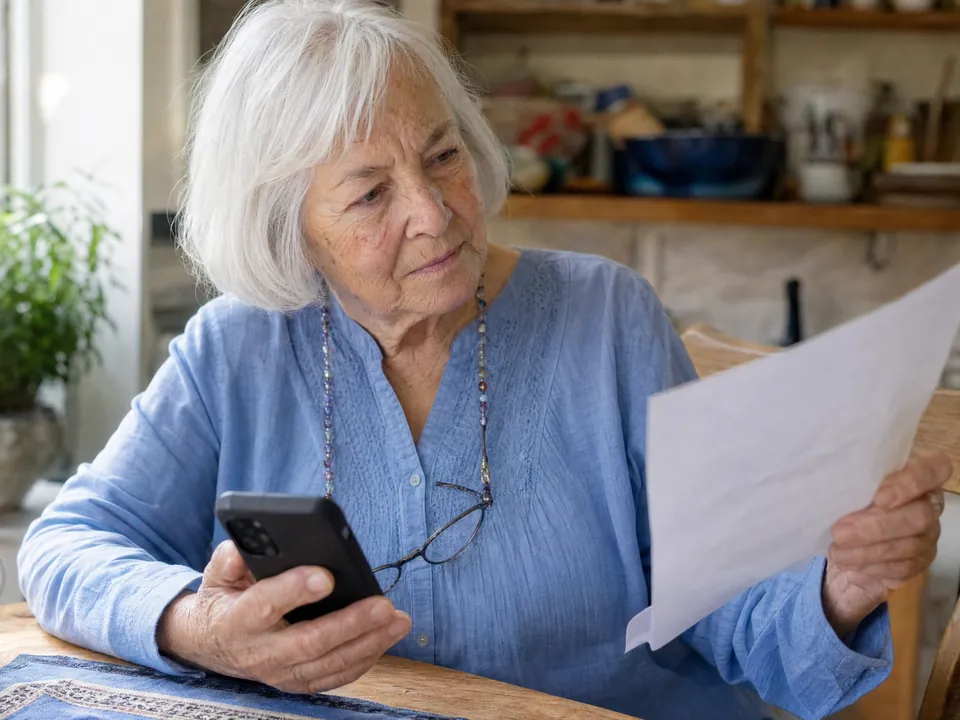
An app that reads bills to your mom, out loud.
Small-print utility statements, Medicare summaries, credit card bills: Mimi Care reads a bill in plain language, points out anything unusual, and suggests checking with family before paying anything.


We’re welcoming families a few at a time, so there may be a short wait after you sign up.
What it helps with
The bills that cause the most confusion.
Not every bill is a scam, but every bill has parts that matter and parts that are hard to follow. Mimi Care sorts them out.
Utility bills.
Electric, gas, water, internet. Mimi Care reads the amount and the due date. If the bill prints last month's amount, Mimi Care can tell them how this month compares.
Medical and Medicare statements.
"Explanation of Benefits." "Medicare Summary Notice." Dense and full of jargon. Mimi Care explains them in plain language and points out anything that looks like a scam.
Credit card statements.
Mimi Care reads the charges as the statement prints them and explains what's on the page. Mimi Care doesn't look up merchants, so a name they don't recognize is worth checking with family.
How it works
Three steps.
No typing needed. No logins. Built for the person holding the bill.
- 1
Snap a photo.
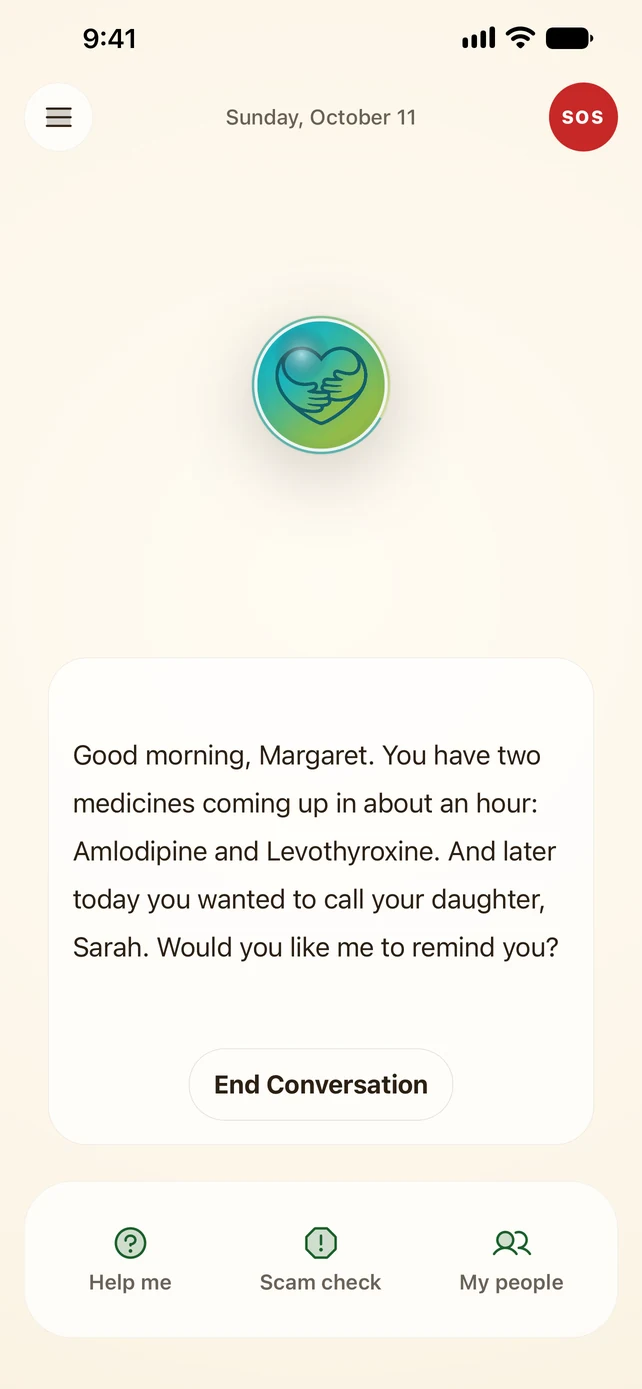
In Mimi Care, they tap Help me, then A bill, and take a picture. Hold it flat; it doesn't need to be perfect. Each page gets its own picture.
- 2
Hear it explained.
A warm voice reads the parts that matter in plain language (the amount, the due date, what it's for) and points out anything that looks off.
- 3
Ask anything back.
"What is this fee?" "When is it due?" "Should I call my son before paying?" Mimi Care answers honestly and suggests checking with someone they trust before moving money.
Why it matters
Small print gets harder to read.
Bills are dense: small type and long tables of charges. Plenty of older adults find their own bills hard to read comfortably, let alone check.
More than reading the bill out loud like a text-to-speech app, Mimi Care explains it: what the charges mean, what the amount and due date are, and anything that looks unusual. Plain words, no jargon.
And Mimi Care never tells them to pay anything. That decision stays with them (and you). Mimi Care makes sure they understand what they're looking at, so when they decide, they decide with real information.
Common questions.
Does Mimi Care pay the bill?
No, on purpose. Mimi Care explains the bill and suggests checking with someone they trust before paying. Mimi Care never makes a payment, never fills in a form, never taps "pay now."
What if the bill is a scam?
Mimi Care says so. Fake "urgent" notices, wire-transfer demands, phony government letters: Mimi Care looks for the warning signs on every bill, and when something looks like a scam, suggests not responding and showing it to someone they trust.
Can bills be read automatically?
No. They photograph each bill when it arrives, so they stay in the loop on every one.
What about bills that come by email?
Mimi Care doesn't read their email. For a bill that came by email, they can take a screenshot of it, then choose "Use a photo I have" in Mimi Care.
Does Mimi Care see our account numbers?
Yes, if they're on the bill: Mimi Care sees what's in the photo, and is built not to read full account numbers aloud. The photo is sent over an encrypted connection and stored encrypted. Mimi Care's AI provider, Anthropic, reads it to answer. We don't use it to train AI, and Anthropic's terms don't allow it to either. A copy of each help is kept so they can look back at it, and it's deleted after 180 days unless they choose to keep it.
Also helpful
- Scam mail detectorIs this letter a scam? Snap it. Mimi Care points out fake Medicare urgency and payment pressure before they act.Learn more
- Medicare letter explainerPhotograph any Medicare or Social Security letter. Mimi Care reads it in plain language and points out the signs of an impersonator.Learn more
Help them stay independent.
Set it up today, on your phone or right here.
Create your accountWe’re welcoming families a few at a time, so there may be a short wait after you sign up.